You describe. We do the rest.
A short conversation about your business — what you do, who you serve, what visitors should do next — becomes written copy, design, and a published website. No briefs to fill in, no design decisions to sweat.
Features
One platform that builds your site, moves what you already have, hosts your email, and keeps everything editable — by you, or by the AI assistant you already talk to.
Build
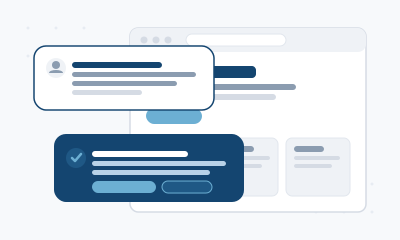
A short conversation about your business — what you do, who you serve, what visitors should do next — becomes written copy, design, and a published website. No briefs to fill in, no design decisions to sweat.
You see a real preview before anything is public. Ask for changes in plain words; when it's right, you say go and only then does it ship.
No WordPress, no theme to outgrow, no add-ons to install, update, or pay for — and nothing to maintain or patch. Your site is written for your business.
Migration
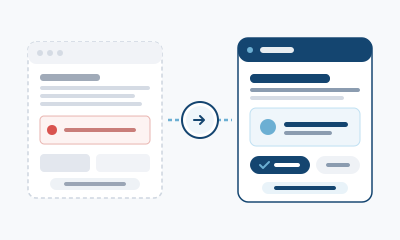
Every public page, word, photo, and link — inventoried carefully so nothing you care about is left behind.
Your content is standardized onto a modern platform: consistent, quick to load, and nothing to patch — while the old site's problems stay behind.
Your existing site stays exactly as it is until you've reviewed the new one and said go.
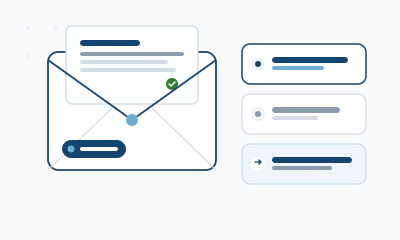
Real business mailboxes — you@yourbusiness.com — with free forwarding addresses so every name at your domain reaches a real inbox.
A guided migration from Google, Microsoft 365, or any IMAP provider: folders, flags, and history come across, and your old mailbox is never touched until you're moved.
Setup guides and one-click profiles for the apps you already use — Apple Mail, Outlook, Thunderbird, and phone mail.
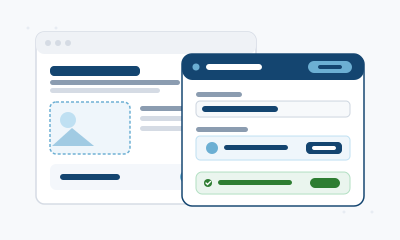
Admin console
The console isn't a generic settings panel — it's generated from your pages, so the things you'd actually update are the things you see.
New hours, a changed price, an updated event, a fresh photo — edit it yourself and save. No waiting, nothing technical.
New pages, redesigns, and structural work stay a conversation — you describe it, we build it, you approve the preview.
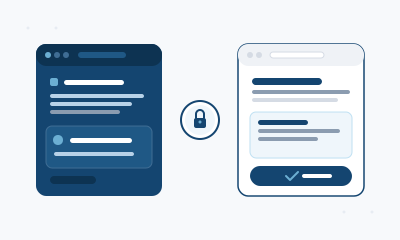
AI editing
Your site speaks MCP, the standard connection for AI tools. Authorize once from your site's page and your assistant can work on your site.
"Update our hours for the holiday." "Add the new team member to the about page." Same natural requests, made where you already work.
Every AI edit still arrives as a preview for your approval, access is scoped to your site, and your credentials never reach the model.
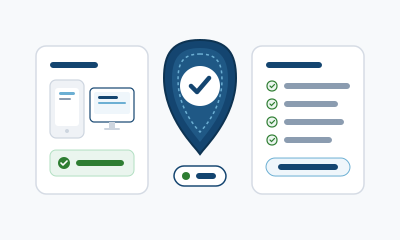
Quality & accessibility
Pages are rendered and inspected at phone and desktop widths before they reach you — layout breaks get fixed before they become your problem.
Every page is tested against WCAG 2.1 level AA — contrast, keyboard navigation, screen reader labels, zoom. A page that fails doesn't ship.
The same gates run again on every edit, whether it came from you, your console, or an AI assistant.